Program Hardware
Without Writing Code.

Visual block-based IDE for ESP32 — drag, connect, and deploy IoT projects with Arduino C++ and MicroPython code generation.

Arduino C++
Start Building → Explore Features
0
Blocks Available
0
Sensors Supported
0
Languages
0
IoT Platforms
0
Click Upload

Everything You Need to Build & Deploy

From drag-and-drop blocks to live hardware upload — a complete embedded development workflow in your browser.
🧩

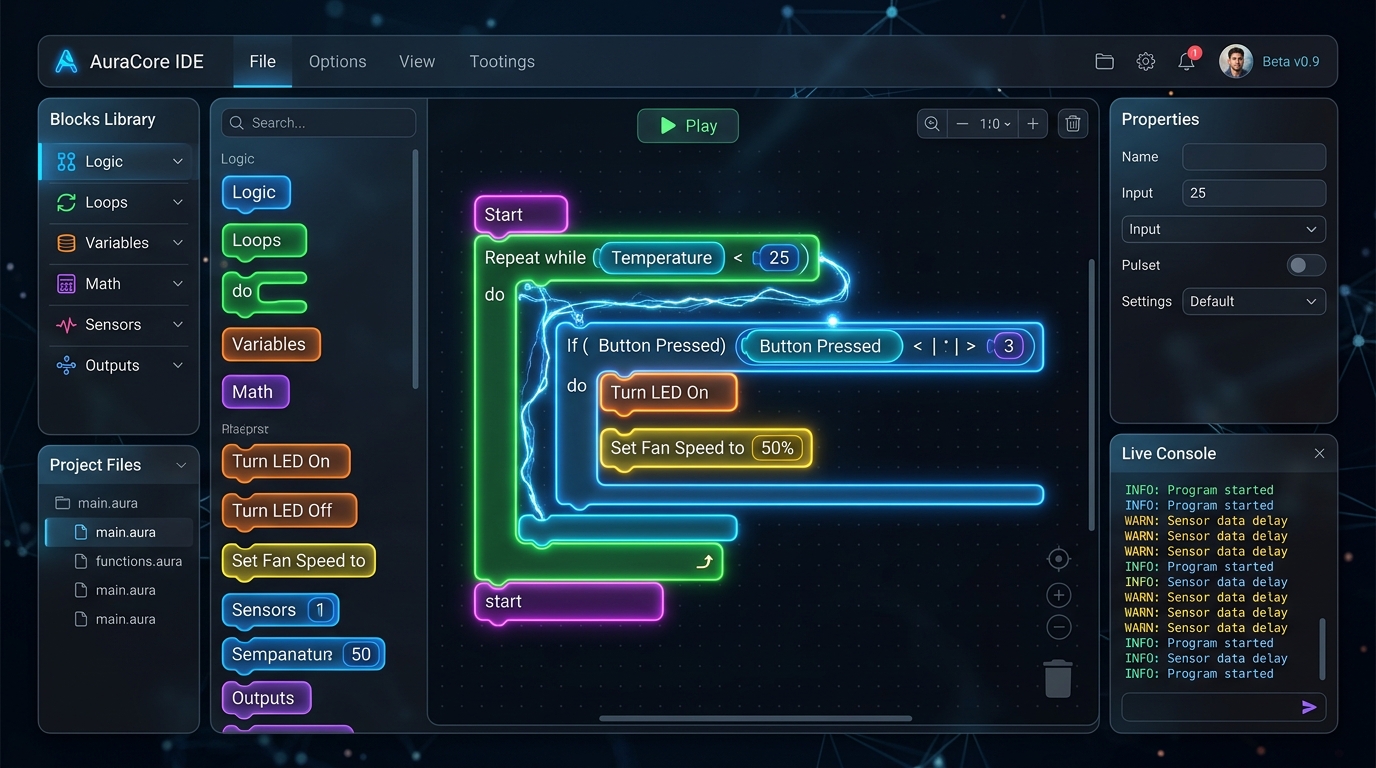
Visual Block Programming

150+ intuitive blocks for sensors, actuators, displays, motors, and logic. Snap them together like LEGO to build complex programs.
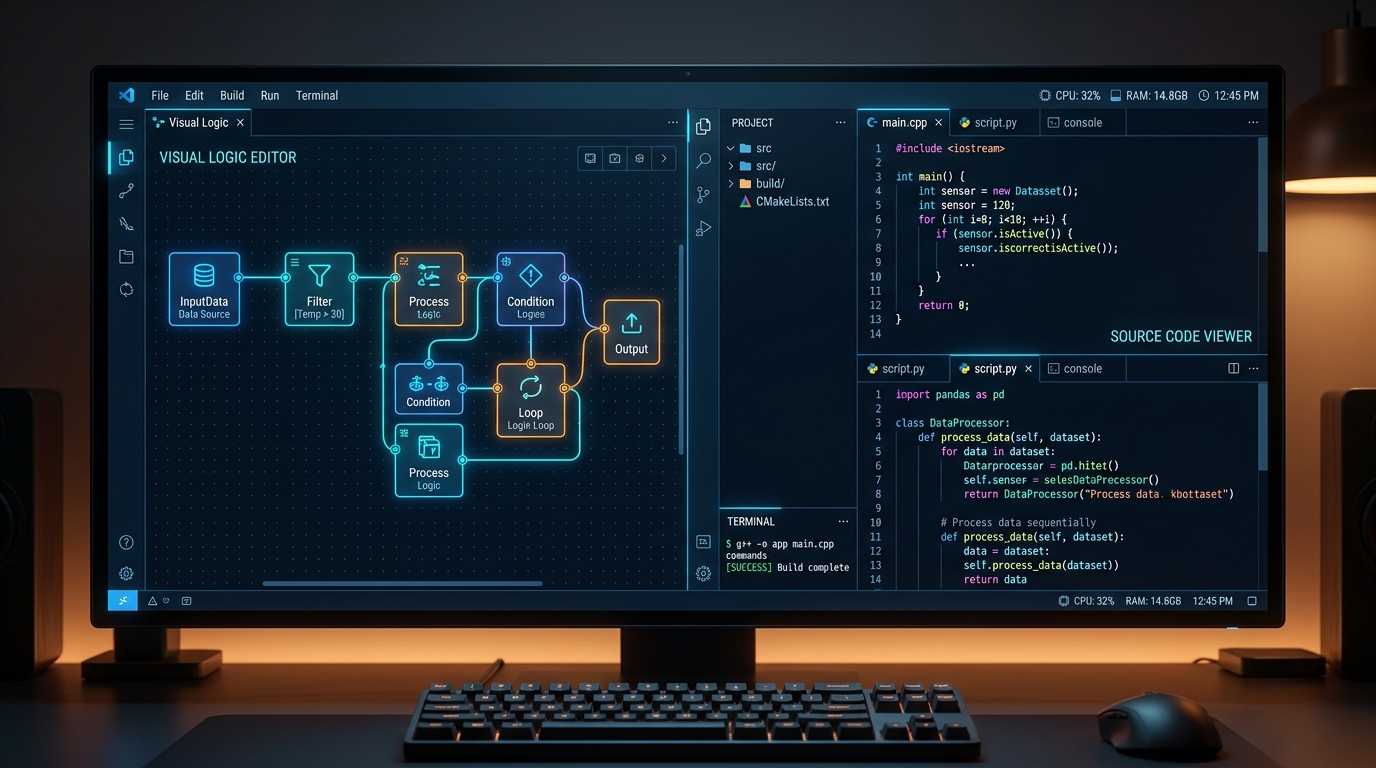
Dual Code Generation

Instantly generate production-ready Arduino C++ or MicroPython code. Switch between languages with a single click.
📡

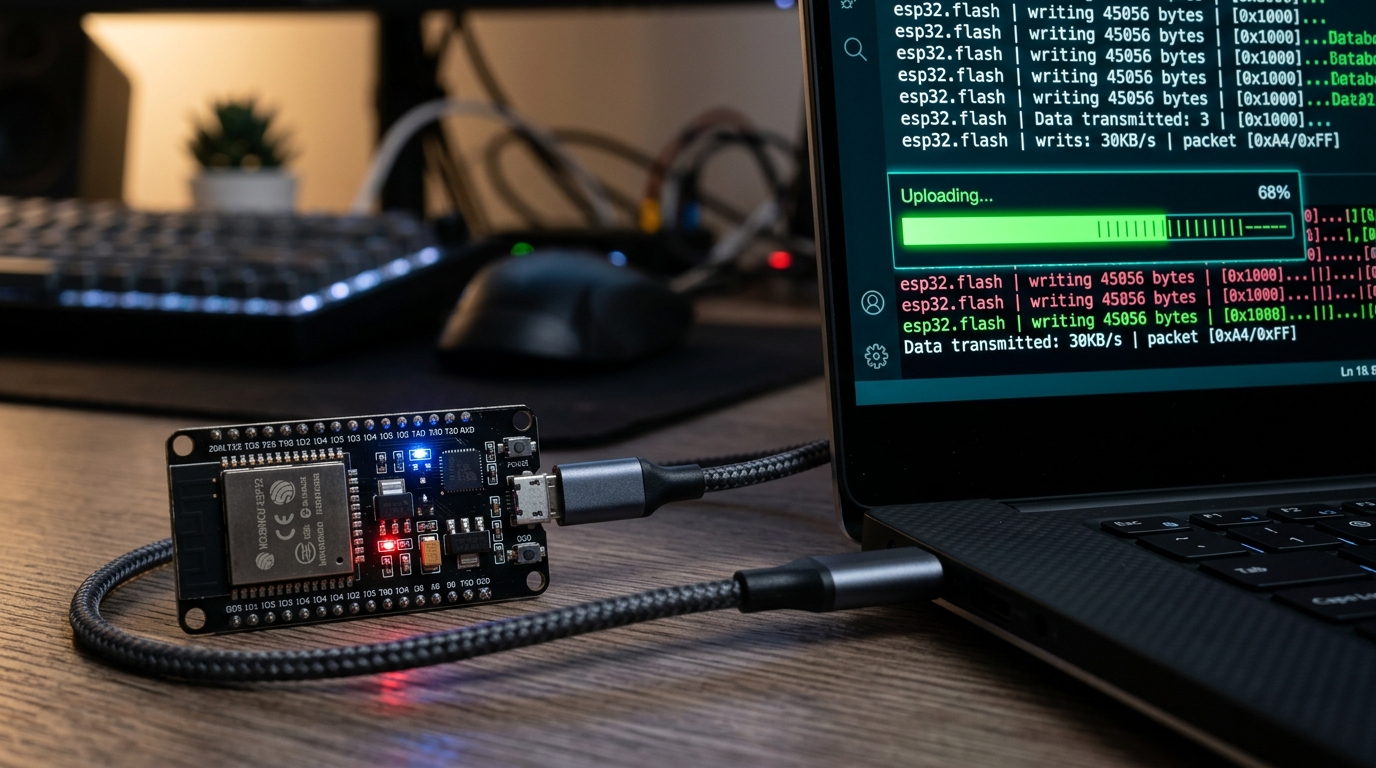
One-Click Upload

Compile and flash directly to your ESP32 via USB — no Arduino IDE needed. Built-in error detection and library management.
📟

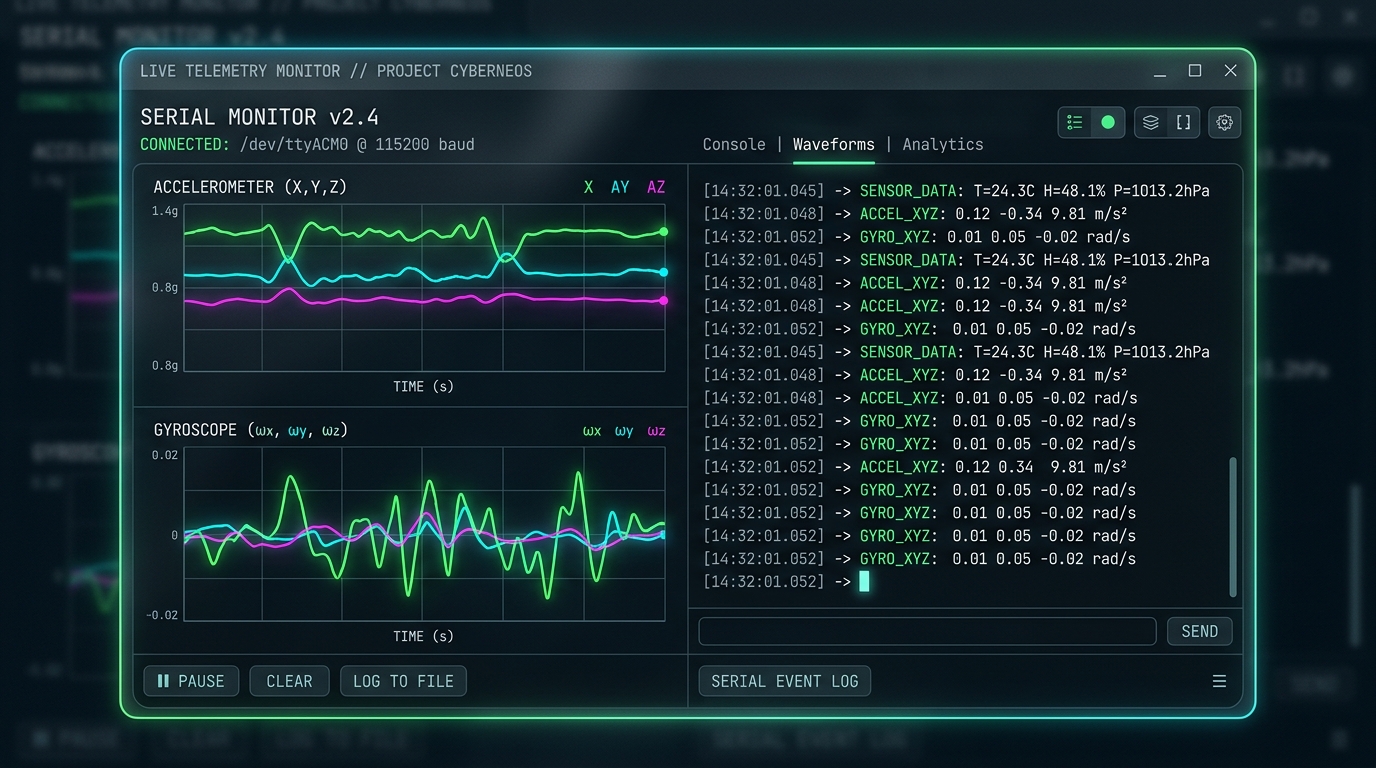
Real-Time Serial Monitor

Built-in serial console with high-speed buffering. See sensor values, debug output, and system messages live at 115200 baud.
☁️

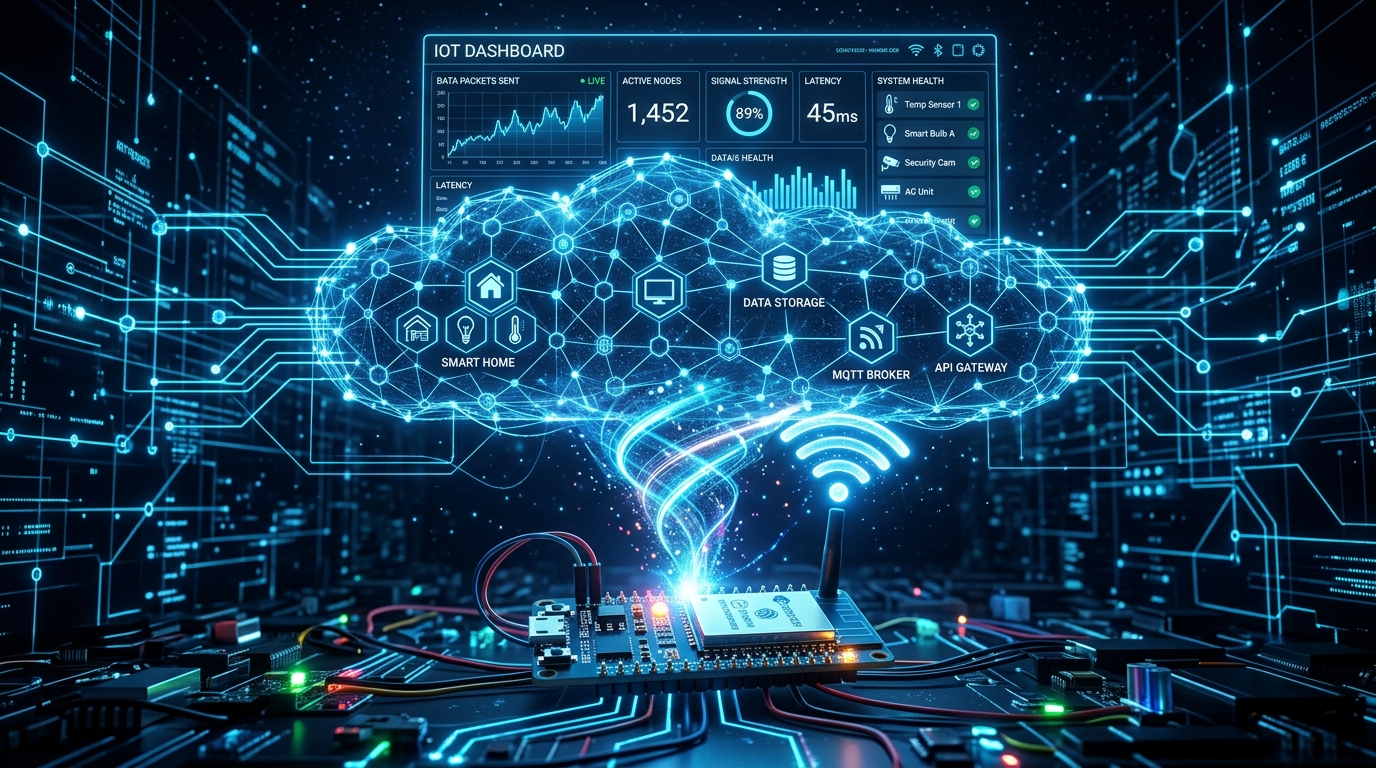
IoT Platform Integration

Built-in blocks for Blynk IoT, ThingSpeak, and MQTT. Push sensor data to the cloud with zero networking knowledge.
🎮

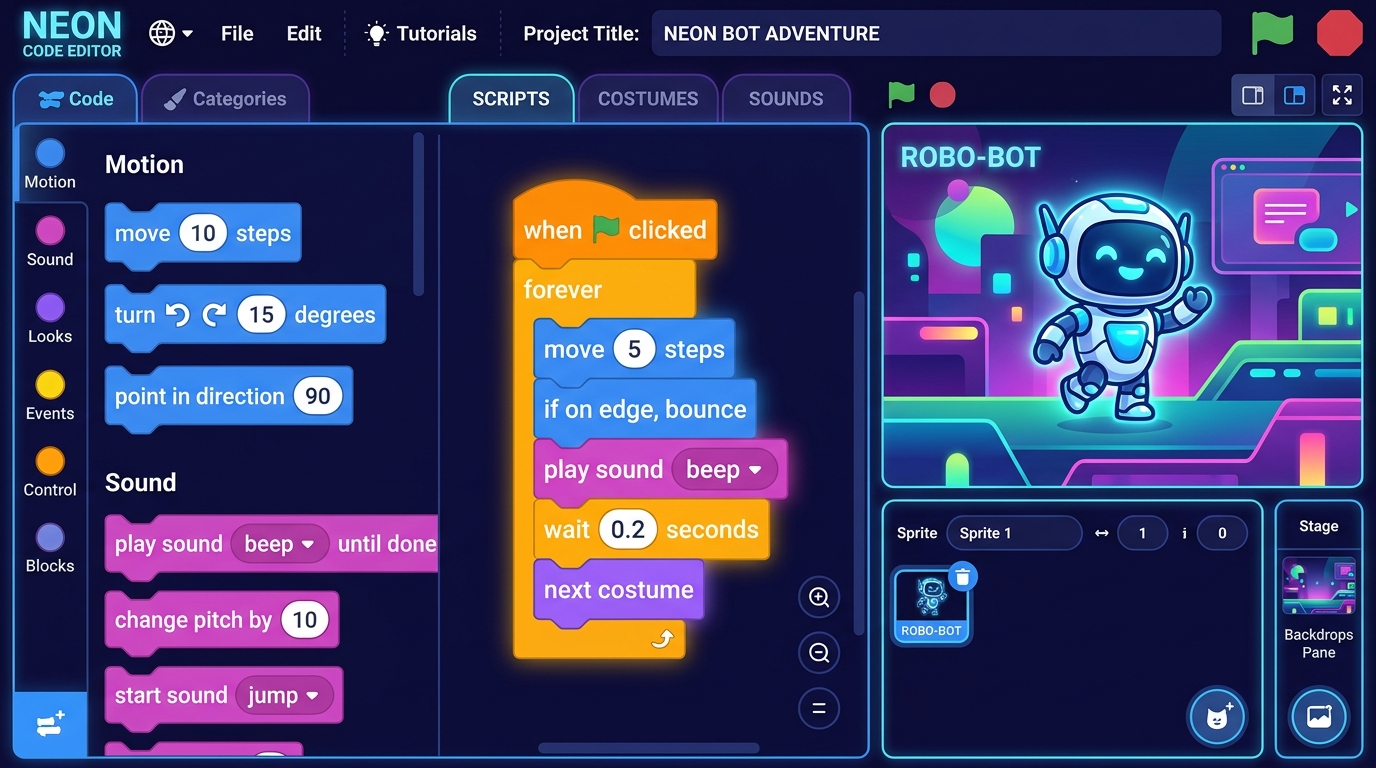
Scratch Mode

Full Scratch-compatible visual programming with sprite animation, motion, looks, sound, and event blocks for learning.
One Project, Two Languages

Build once with blocks, export to Arduino C++ or MicroPython. Both generators produce clean, commented, production-ready code.

Professional Code Output

Every block generates optimized, human-readable code with proper includes, pin initialization, and loop structure. Code you'd be proud to ship.

Arduino C++ MicroPython
// Auto-generated by TechyGuide
#include <DHT.h>
#include <BlynkSimpleEsp32.h>

#define DHTPIN 4
DHT dht(DHTPIN, DHT11);
BlynkTimer timer;

void sendSensor() {
  float t = dht.readTemperature();
  float h = dht.readHumidity();
  Blynk.virtualWrite(V0, t);
  Blynk.virtualWrite(V1, h);
}

void setup() {
  Serial.begin(115200);
  Blynk.begin("auth", "ssid", "pass");
  dht.begin();
  timer.setInterval(2000L, sendSensor);
}

void loop() {
  Blynk.run();
  timer.run();
}

30+ Sensors & Components

Comprehensive block support for the most popular sensors, actuators, displays, and communication modules.

🌡️ DHT11/22
🌡️ DS18B20
🌦️ BMP280
📏 Ultrasonic
👁️ PIR Motion
📡 RFID RC522
📺 IR Remote
☀️ LDR Light
🌧️ Rain Sensor
🔥 Flame Sensor
💨 Gas / MQ
🌱 Soil Moisture
🔊 Sound Sensor
🤚 Touch Sensor
📐 MPU6050
❤️ Heart Rate
🧲 Hall Effect
📳 Vibration
🎛️ Potentiometer
⚙️ Servo Motor
🔌 Relay Module
💡 LED / NeoPixel
🔔 Buzzer
🖥️ LCD I2C
🖥️ OLED SSD1306
🏎️ L298N Motor
📷 ESP32-CAM
💧 Water Pump
🔵 Bluetooth
📶 WiFi

Connect to IoT Platforms

Push sensor data to the cloud with drag-and-drop blocks. Monitor your devices from anywhere in the world.

📱

Blynk IoT

Full Blynk integration with virtual pins, push notifications, LCD widgets, and timed data reporting.

  • Virtual Pin Read/Write (V0-V255)
  • Push Notifications & Email
  • LCD Widget Control
  • BlynkTimer for Scheduled Sends
  • Widget Property Control
📊

ThingSpeak

Publish sensor data to ThingSpeak channels for analytics, graphing, and MATLAB integration.

  • 8-Field Data Channels
  • Write API Integration
  • Read Last Value
  • Auto 15s Rate Limiting
  • Free Cloud Dashboard
🔗

MQTT Protocol

Full MQTT client with publish, subscribe, and real-time messaging for any broker.

  • Publish to Any Topic
  • Subscribe & Receive
  • Connection Status Check
  • Custom Broker Support
  • Last Message Retrieval

Two Modes, One Platform

Switch between ESP32 hardware programming and Scratch-style animation — all in the same editor.

Hardware

ESP32 Mode

Full-featured embedded programming with 150+ hardware blocks, dual code generation, and one-click upload.

  • 30+ sensor & actuator blocks
  • Arduino C++ & MicroPython output
  • USB compile & flash
  • WiFi, Bluetooth, MQTT, Blynk, ThingSpeak
  • Real-time serial monitor
Learning

Scratch Mode

Classic Scratch-compatible visual programming with sprite animation, stage rendering, and event-driven logic.

  • Motion, Looks, Sound, Events, Control
  • Sprite library with costumes
  • Backdrop chooser & stage canvas
  • Sensing & Operator blocks
  • Perfect for beginners & classrooms

From Idea to Running Hardware

Three steps. Zero boilerplate. No setup required.

1

Drag & Build

Choose from 8 block categories — sensors, actuators, displays, motors, IoT, and more. Snap blocks together to define your program logic with zero syntax errors.

2

Generate Code

Hit the code button and watch your blocks transform into clean Arduino C++ or MicroPython. The generator handles includes, pin setup, loop structure, and timing.

3

Upload & Monitor

Connect your ESP32 via USB, select the port, and click Upload. The serial monitor shows live sensor data and debug output in real-time.

Powered by Modern Tech

Industry-standard tools and frameworks under the hood.

🧩 Google Blockly
📦 Webpack 5
🎮 PixiJS
Arduino CLI
🐍 MicroPython
🔌 Web Serial API
💅 Lucide Icons

Frequently Asked Questions

Everything you need to know to get started.

What hardware do I need?

Any ESP32 development board (ESP32-WROOM, ESP32-S3, NodeMCU-32S, etc.) connected via USB. The platform auto-detects connected boards.

Do I need to install Arduino IDE?

No! TechyGuide includes a built-in Arduino CLI backend. It automatically downloads board packages, manages libraries, and compiles code — all from the browser.

Which sensors are supported?

30+ sensors including DHT11/22, BMP280, DS18B20, Ultrasonic HC-SR04, PIR, RFID RC522, IR receiver, LDR, soil moisture, gas sensors, MPU6050, heart rate sensor, and more.

Can I see the generated code?

Absolutely! The code panel shows real-time Arduino C++ or MicroPython as you build. You can copy, edit, and learn from the generated code.

How do I send data to my phone?

Use the Blynk IoT blocks! Set up your auth token and WiFi, then use virtual write blocks to send sensor values to the Blynk mobile app dashboard.

Is it free to use?

TechyGuide is free and open-source. No account required, no subscription needed. Just open the editor and start building.

What's the difference between ESP32 mode and Scratch mode?

ESP32 mode programs real hardware — sensors, motors, LEDs connected to your ESP32 board. Scratch mode is for learning programming with animated sprites, similar to MIT Scratch.

⭐ User Reviews

Loved by Educators & Makers

What our community says about TechyGuide Blocks across India.

"My students built a smart weather station in just one class period. The block-to-code view helped them understand what's happening under the hood."

AK
Amit Kumar
Bhubaneswar, Odisha

"Finally a platform that doesn't need Arduino IDE installation. I use it in my coaching center and students love the drag-and-drop interface."

PD
Priya Devi
Ranchi, Jharkhand

"The Blynk integration blocks saved me weeks of work. I built an IoT soil monitoring system for our farm without writing a single line of code."

RS
Rajesh Singh
Bokaro, Jharkhand

"Great for beginners! My 12-year-old daughter built her first LED project using this platform. The Scratch mode is an excellent entry point."

SM
Sunita Mishra
Cuttack, Odisha

"We use TechyGuide for our robotics club. The servo and motor blocks make it super easy to prototype autonomous line-following robots."

VK
Vikram Khanna
New Delhi, Delhi

"Dual code generation — Arduino C++ and MicroPython — is brilliant. Students can compare both languages side by side. Perfect for STEM labs."

NK
Neha Kumari
Dhanbad, Jharkhand

"I built a home automation system with relay blocks and Blynk. Now I control my lights from my phone! The MQTT blocks are incredibly powerful."

DP
Deepak Patel
Jaipur, Rajasthan

"The serial monitor feature is a game-changer. Debugging sensor readings in real-time right from the browser — no extra tools needed."

AR
Ananya Rao
Hyderabad, Telangana

"As an electronics teacher, this platform transformed my classroom. Students who were afraid of coding are now building IoT projects confidently."

MG
Manoj Gupta
Lucknow, Uttar Pradesh

"ThingSpeak integration is seamless. My college project — a pollution monitoring system — was done in 2 days instead of 2 weeks."

SK
Saurav Kumar
Patna, Bihar

"Love the rainbow UI and dark theme toggle! The platform itself looks so premium and polished. It rivals commercial tools that cost hundreds."

RB
Ritu Banerjee
Kolkata, West Bengal

"MPU6050 accelerometer blocks are amazing. Built a tilt-controlled robot for our school science fair and won first prize!"

AJ
Arjun Joshi
Pune, Maharashtra

"The DHT sensor blocks automatically include the right libraries. No more #include errors! My greenhouse monitoring system works flawlessly."

PS
Pallavi Sharma
Chandigarh, Punjab

"Used it for our ATL lab. 40 students simultaneously built projects without any installation hassle. Just open the browser and go!"

KN
Kishore Nayak
Sambalpur, Odisha

"Gas sensor and flame sensor blocks helped me prototype a kitchen safety system. The buzzer and relay integration is so intuitive."

TM
Tanvi Mehra
Ahmedabad, Gujarat

"I recommend TechyGuide to every maker in Jharkhand. It makes ESP32 accessible to people who have never programmed before. Revolutionary!"

BT
Bharat Tiwari
Jamshedpur, Jharkhand

"The RFID block made my attendance system project a breeze. Just connect RC522, drag blocks, and it generates perfect working code."

SD
Sanjay Das
Rourkela, Odisha

"WiFi blocks + HTTP requests = cloud connected project in minutes. I pushed sensor data to my own server without any networking knowledge."

MP
Meena Pandey
Varanasi, Uttar Pradesh

"BLE Bluetooth blocks let me connect my ESP32 to a mobile app. Built a wireless temperature display for my room in under an hour."

RJ
Rakesh Jha
Deoghar, Jharkhand

"Best open-source block coding platform for ESP32. The community is growing and the developer is incredibly responsive and passionate."

AG
Arun Goswami
Guwahati, Assam

"LCD I2C blocks display sensor data beautifully. My students built a weather display showing temperature, humidity, and pressure on a 16x2 LCD."

LR
Lakshmi Reddy
Bangalore, Karnataka

"I was struggling with Arduino syntax for months. TechyGuide showed me the generated code and I finally understand how C++ works."

HC
Harsh Chaudhary
Jodhpur, Rajasthan

"Used TechyGuide for our school's STEM exhibition. The visual blocks + live code panel impressed all the parents and judges. 10/10!"

SS
Sneha Sahu
Berhampur, Odisha

"Ultrasonic sensor block + servo block = automatic dustbin opener! Simple 5-block program and it works perfectly. My kids are amazed."

GT
Gaurav Tiwari
Indore, Madhya Pradesh

"As a startup founder, I prototype IoT ideas rapidly with TechyGuide. What used to take a week now takes an afternoon. Incredible tool."

NM
Nikhil Mahapatra
Bhubaneswar, Odisha

"IR remote blocks decoded my AC remote signals easily. Built a universal remote with ESP32 for all my home appliances."

PB
Pooja Bhatt
Dehradun, Uttarakhand

"Our college lab now runs entirely on TechyGuide. 60 students, zero installation problems. The web-based approach is genius."

AV
Avinash Verma
Nagpur, Maharashtra

"Heart rate sensor block + Blynk = remote health monitor. I built it for my grandmother who lives in the village. She loves it!"

DM
Dipti Mohanty
Puri, Odisha

"The NeoPixel LED blocks create stunning light shows. My Diwali decoration project was built entirely with TechyGuide in one evening."

KS
Kavita Soni
Udaipur, Rajasthan

"Soil moisture + water pump blocks = automated garden watering. My plants are healthier than ever. TechyGuide makes IoT practical."

RM
Ravi Murthy
Chennai, Tamil Nadu

"PIR motion sensor + buzzer + Blynk notification = complete home security system. The block programming approach is absolutely brilliant."

SB
Sunil Behera
Balasore, Odisha

"OLED display blocks are so clean. Connected BMP280 weather sensor and displayed data on SSD1306 in minutes. Code generated was spotless."

YS
Yogesh Sharma
Kota, Rajasthan

Ready to Build?

Start your first ESP32 IoT project today. Zero setup, zero installation — just open and build.

Launch Editor →